Faster evaluation
Teams can test the workflow on a real job without planning around installation first.
Browser-based takeoff software is a takeoff workflow that runs through a web browser instead of depending on a traditional desktop-only installation. In practical terms, it means estimators can open PDF plans, set scale, and measure quantities from Mac, PC, iPad, or mobile devices when the product supports those workflows.
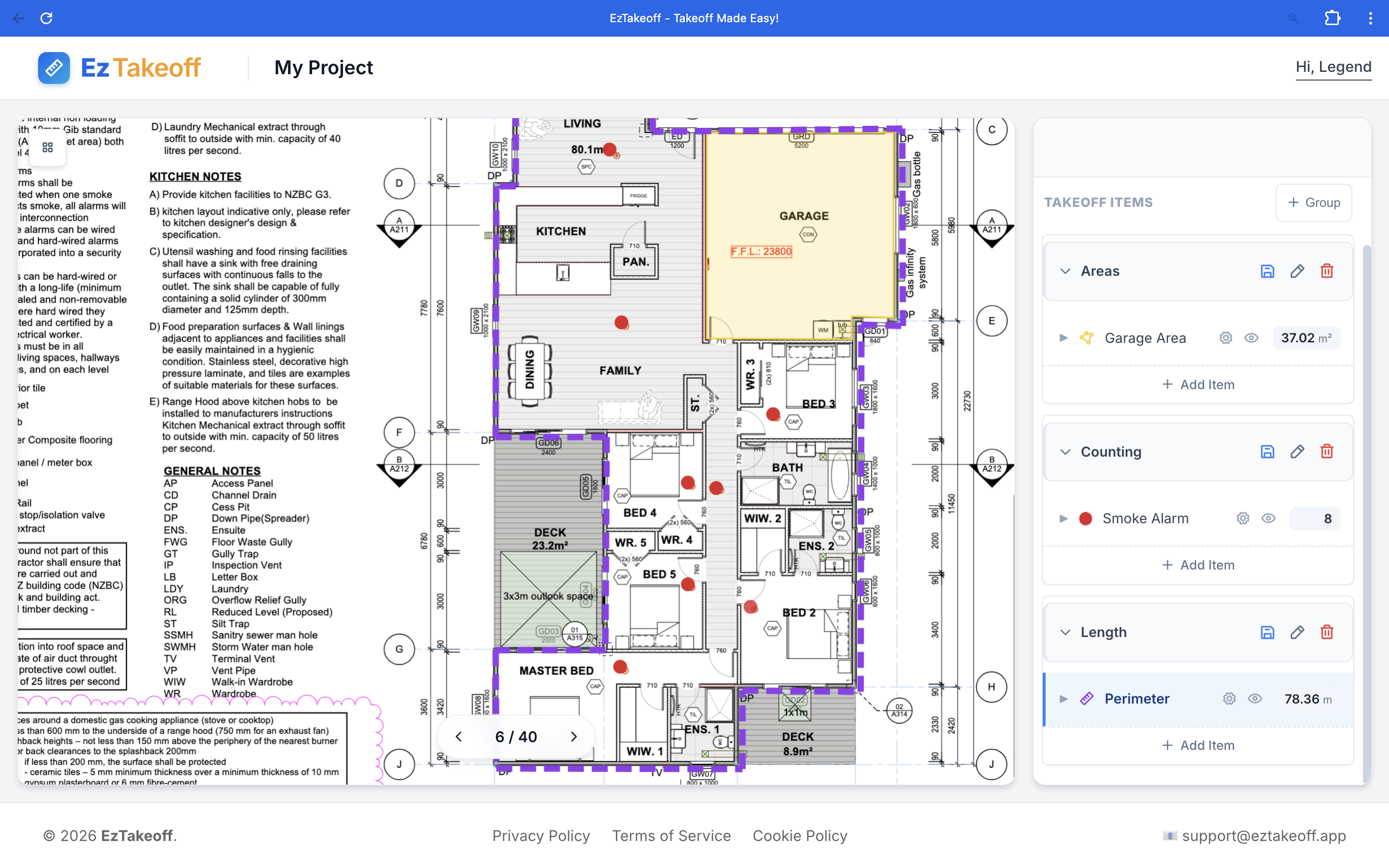
The difference is not just where the software runs. It changes rollout speed, device access, trial friction, and how easily office and field teams can use the same workflow.
| Comparison area | Browser-based workflow | Desktop-first workflow |
|---|---|---|
| Access model | Runs through a browser | Centred on local installation |
| Rollout | Usually faster to test and onboard | Often requires more setup planning |
| Device flexibility | Can support Mac, PC, iPad, and mobile devices | Often stronger on one main desktop setup |
| Best fit | Teams that want lighter deployment and mixed-device access | Teams comfortable with heavier local software workflows |
Teams can test the workflow on a real job without planning around installation first.
Office estimators and field users can work from different hardware without splitting the process into separate tools.
The simpler the access model, the more likely teams are to adopt and keep using the workflow.
Open a PDF, set scale, and measure in your browser without installing a heavyweight desktop tool.
It means the takeoff workflow runs through a web browser instead of depending on a traditional desktop-only installation.
Contractors often choose browser-based takeoff because it is easier to roll out, easier to access across devices, and easier to test without a heavy software setup.
Yes. Browser-based workflows can support Mac, Windows, iPad, and mobile access when the product is designed for it.